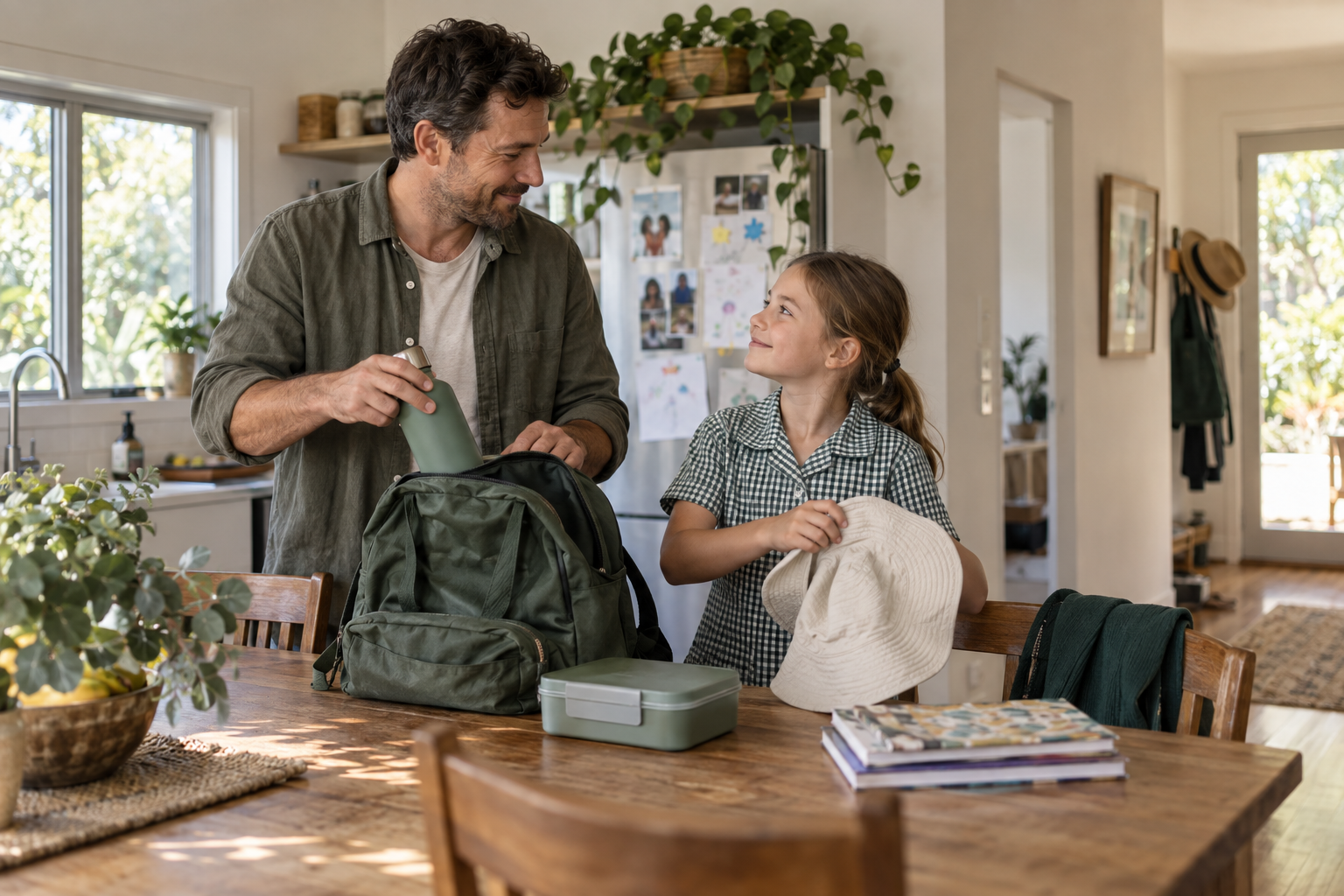
Someone remembers the sun hat. Someone sorts the permission slip. When the plan is shared, there’s a little less for one person to carry.
Tomorra keeps the details together, so you can get on with family life.
FROM THE PILE TO THE PLAN
Snap it. Check it. Share the load.
01 / SNAP THE NOTICE
Wherever it lands. Make it a plan.
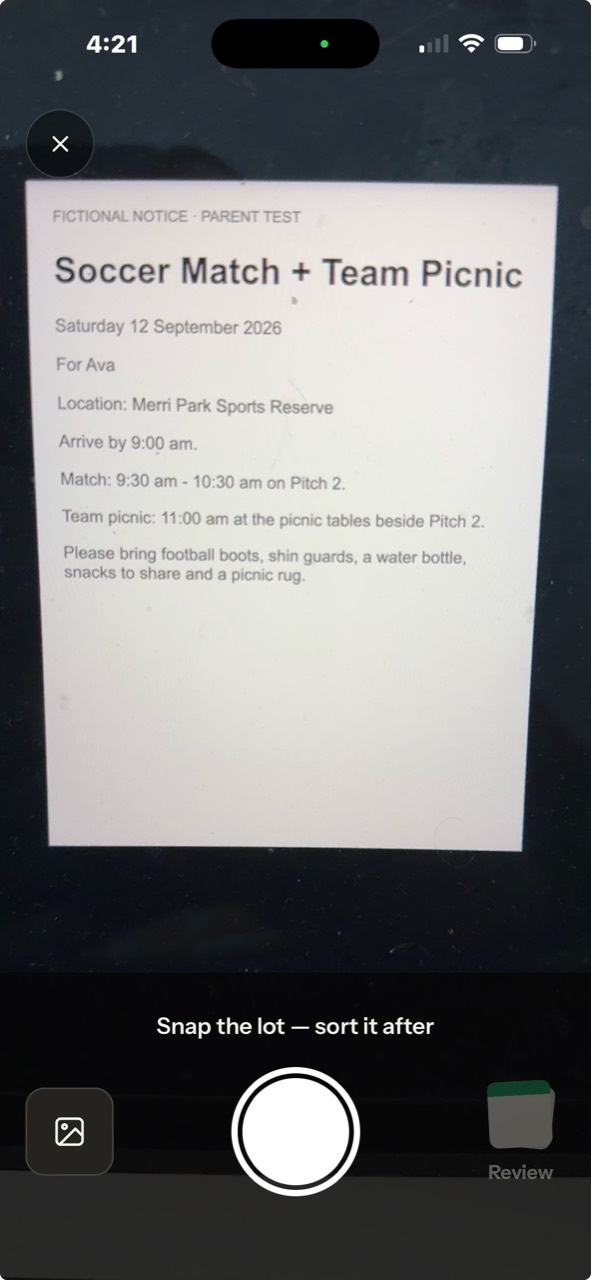
Photograph paper notices, permission slips and sports flyers. For WhatsApp groups, emails or school apps such as Compass, take a screenshot and import it into Tomorra.
You choose the photo or screenshot to scan. Tomorra doesn’t connect to your inbox, group chats or school account.
02 / CHECK & SAVE
The notice lands. You make it yours.
Photograph a paper note or import a screenshot. Tomorra prepares the useful details: dates, packing, payments and pickup.
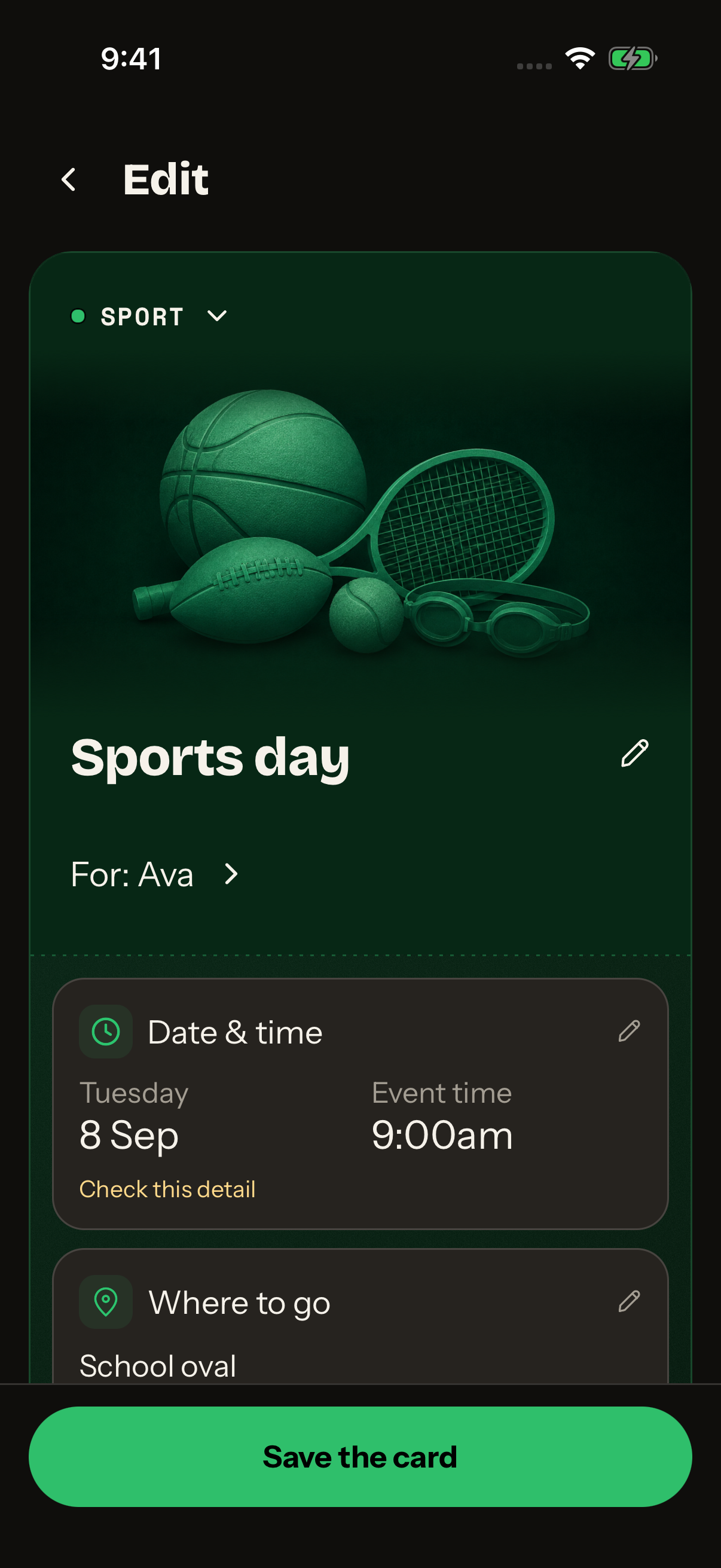
Check the suggested information and correct anything the scan missed before saving. You have the final say.
03 / YOUR FAMILY CARDS
Every child. All their cards.
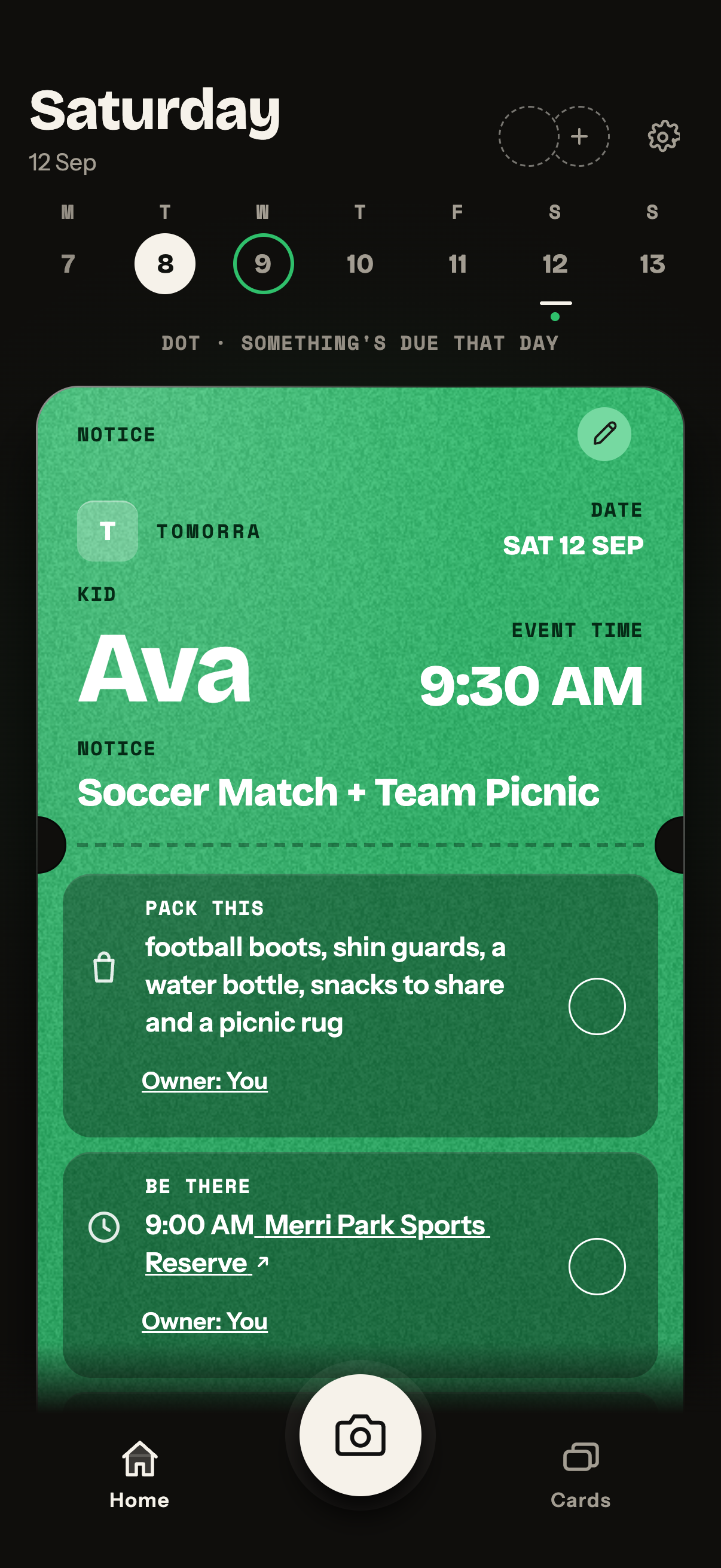
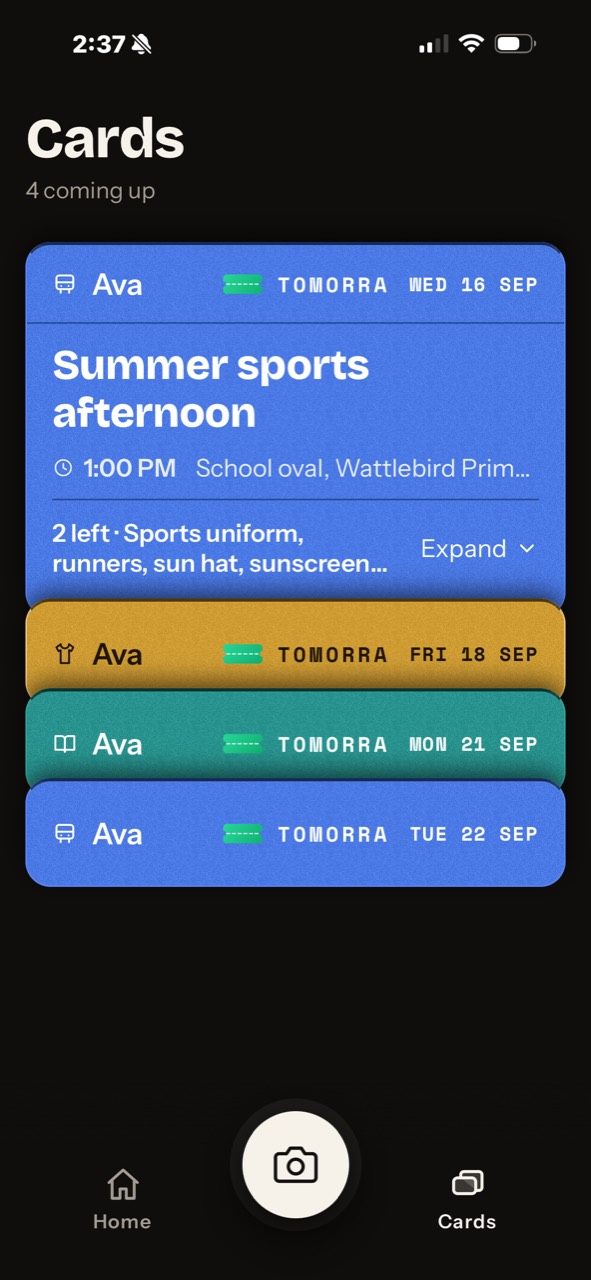
School and sport plans become colourful tickets in your Wallet-style stack. Open a card for the details; keep the others close by.
What to bring. Where to go. When to pick up. The bits you need, together.
04 / BOTH ADULTS, SAME PLAN
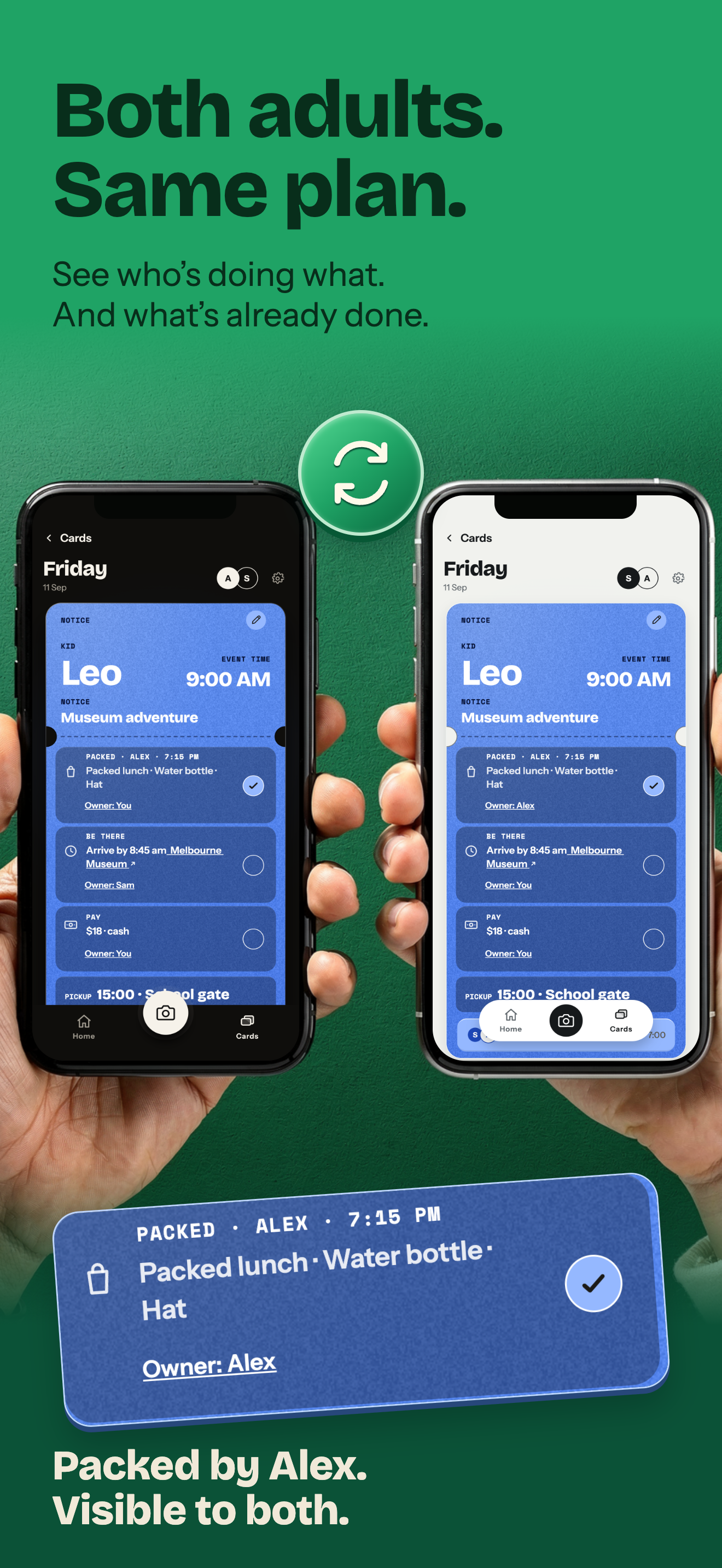
Who’s packing? Already sorted.
Choose who owns each job. Tick it when it’s done. Shared cards keep both adults up to date, with a record of who did what.
Morning review and consent reminders help with the next step. Choose the time that suits your phone.
01 — SNAP THE NOTICE
A LITTLE LESS TO HOLD IN YOUR HEAD
The boots. The snacks. The lot.
Keep the plan with the people who need it. Tomorra is for parents and carers, with no child accounts or school passwords.
The scan helps you make a card. It can make mistakes, so review the details before you rely on them.
Tomorra does not keep its captured photo after you save. Extracted text and card details remain; your original photo or screenshot stays in its source app.